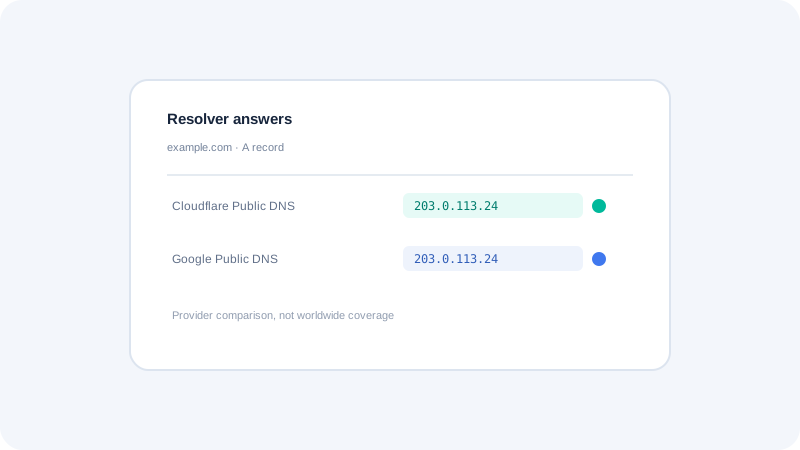
A DNS propagation checker compares answers from chosen resolvers at a particular time. It can show whether those services return the expected record, whether responses differ, and whether a query failed. It cannot inspect every ISP or prove that every device has refreshed its cache. Use it as one diagnostic alongside authoritative queries, control-panel checks, and the behavior of the service you are moving.
Enter the exact hostname and record
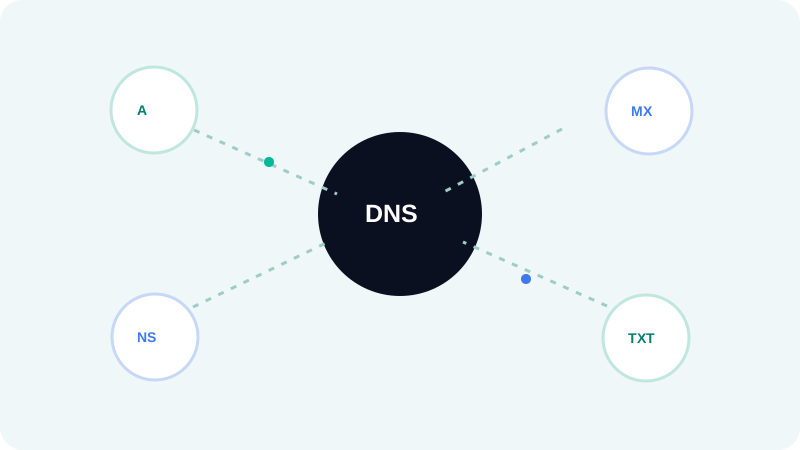
Check the full hostname that users or services query, not only the registrable domain. A website may use a separate www name, API host, mail host, or validation name. Select the right record type: comparing an A record when the migration changed a CNAME or MX record answers the wrong question. Preserve the exact spelling and trailing-dot behavior if working with a fully qualified DNS name.
Choose a meaningful expected answer
Write down the intended result before running the comparison. For an address record, include each expected IP; for MX, include host and priority; for TXT, compare the complete string while accounting for provider presentation and quoting. Multiple answers are valid for load balancing or redundancy. A mismatch is not necessarily a fault if the zone intentionally contains a set of destinations or different answers by region.
Use the resolver labels as evidence
Each resolver is an individual comparison point. A result from Cloudflare Public DNS and Google Public DNS is evidence about those services at query time, not all global networks. Resolver locations can vary with anycast routing, so do not assign a precise city based only on a provider name. Record which resolver was asked, the response time, status code, returned values, and TTL so another person can reproduce the observation.
Diagnose failures in order
Start by checking the DNS provider’s zone and the domain’s delegated nameservers. Next, query an authoritative server directly, then compare public recursive resolvers. If authoritative answers are wrong, correct the zone or delegation. If authority is right but a resolver differs, compare its TTL and query again after the cache window. DNSSEC validation errors require checking the DS record and signing configuration; avoid disabling validation as a first response.
Keep the tool’s scope honest
A resolver check does not test web-server health, certificate readiness, routing, or whether an application accepts the hostname. Once DNS returns the expected target, test HTTP and TLS separately. A long-lived application connection may also continue using an old address after DNS changes. A useful incident note therefore separates name resolution from network reachability and application response, rather than grouping them into one vague propagation status.
Quick checklist
- Query the exact subdomain and record type that changed.
- Write down the expected response before testing.
- Use authoritative DNS to isolate zone errors from resolver caching.
- Repeat a differing query after the observed TTL window.
- Test the application and TLS independently from DNS.
What to do next
Use a propagation checker to compare defined resolvers, then follow discrepancies back to the authoritative source. This provides evidence without claiming universal geographic coverage. Continue with the related Seoptiz tool and compare its stated limitations with your needs.