Technical SEO is the set of practical conditions that lets search crawlers access, interpret, and select the pages a site intends to publish. A checklist helps teams catch avoidable barriers, but technical work is not separate from product quality. Every change should preserve working user journeys, respect security controls, and be tested on a real deployment. Begin with the page types that matter most, then inspect the shared infrastructure those pages depend on.
Confirm reachability and response behavior
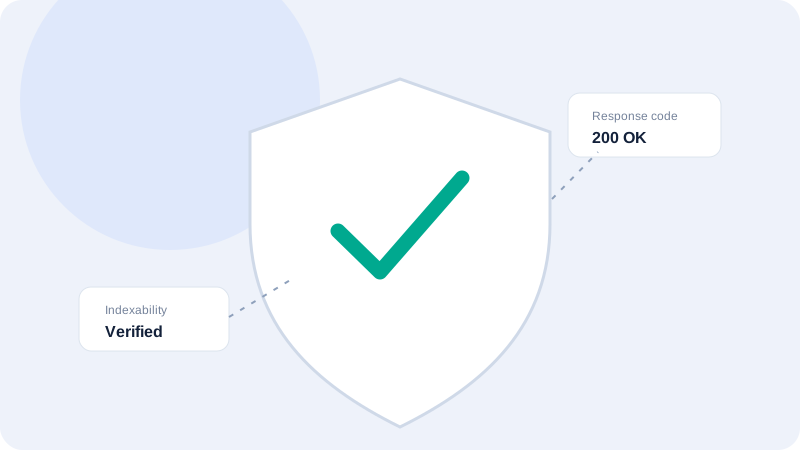
Request representative URLs and record their status codes, redirects, and final destinations. Use HTTPS consistently and check that redirects are intentional, direct, and free of loops. A page returning a nominal success status can still contain an error message, while a temporary redirect may be valid during a migration. Compare desktop and mobile delivery when the server varies content. Keep a small sample of observed responses so future changes can be checked against a known baseline.
Review crawling rules and discovery
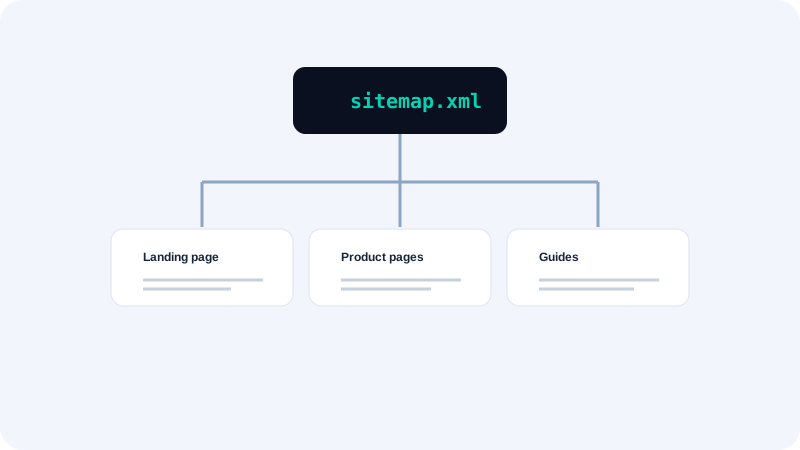
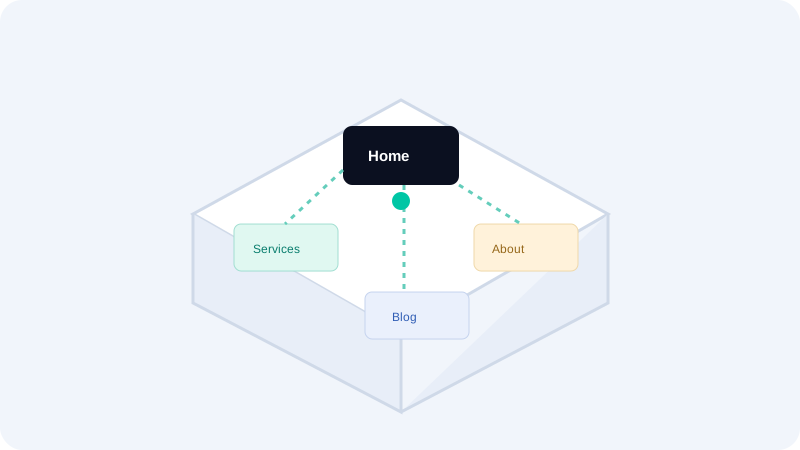
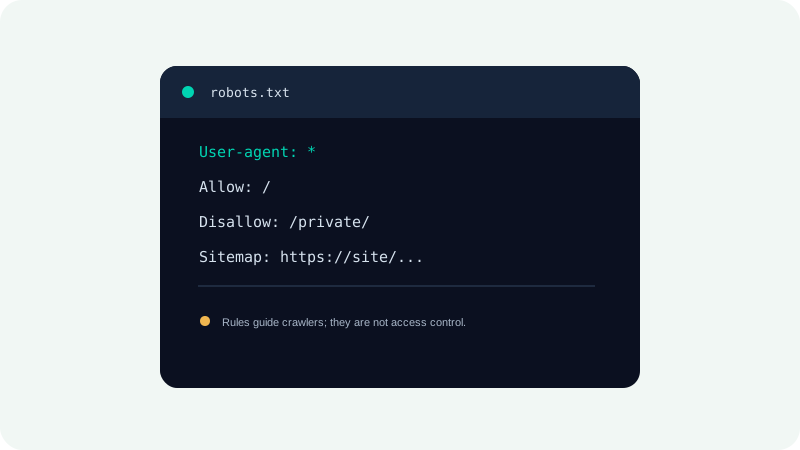
Inspect robots.txt for broad disallow rules, accidental blocking of important resources, and a current sitemap reference. Remember that robots.txt is a crawler request, not an access-control system; private material must be protected by authentication. Build internal links that help people and crawlers discover important pages. A sitemap can aid discovery but cannot force indexing. Remove redirects, noindex pages, and non-canonical duplicates from the published sitemap as appropriate.
Check canonical and duplicate signals
Choose a stable preferred URL format for host, protocol, path, and trailing slash. Ensure internal links, redirects, canonical tags, and sitemap entries point consistently to that version. Parameters can create many URL variations, so understand which affect meaningful content before consolidating them. Canonical tags do not replace redirect rules for obsolete URLs and are not a substitute for controlling duplicate pages. Review both the source page and the destination it names.
Validate structured data and metadata
Structured data should describe visible, accurate page content and follow the current vocabulary expected by its type. Parse each JSON-LD block and validate required properties; syntactically valid markup can still be semantically wrong. Titles and descriptions should be distinct, useful, and aligned with the page. Social metadata should reference accessible assets. Do not add unsupported review scores, business locations, or product details simply to qualify for a search feature.
Test changes in a safe sequence
Document the current behavior, change one cause at a time, and verify the result in staging or a limited release when possible. Check logs and user-facing behavior after deployment. Keep a rollback route for routing, caching, and indexing changes. Track the affected page family and sample multiple URLs after a shared template update. Technical success means the intended pages remain accessible and usable—not simply that a validator reports fewer warnings.
Quick checklist
- Keep an inventory of canonical, indexable page templates.
- Use separate controls for access security and crawler preferences.
- Monitor redirects and server status after releases.
- Validate structured data against visible page content.
- Keep backups and a rollback plan for routing changes.
What to do next
A technical checklist is most effective when it is owned, dated, and retested. Start with access and canonicalization, then improve discovery and structured signals without promising rankings. Continue with the related Seoptiz tool and compare its stated limitations with your needs.