TLS certificates help browsers authenticate the hostname they connect to and encrypt traffic in transit. A certificate warning can result from an expired certificate, an incorrect hostname, a broken chain, or a server that presents the wrong certificate for a virtual host. A green lock is useful but does not prove that a website is safe in every respect. Diagnosis begins by recording the exact hostname, time, browser message, and server response.
Check the hostname and certificate dates
Certificates are issued for names, not for a generic website concept. Confirm the requested hostname appears in the certificate’s Subject Alternative Name field, including the correct subdomain. Check the validity start and expiration time using the current clock. Wildcard certificates cover only the matching label depth specified by their pattern. A certificate for example.com does not automatically cover shop.example.com unless that name is included.
Verify the chain and server selection
The server should provide the leaf certificate and required intermediate certificates so clients can build a trust chain to a known root. Some browsers may fill missing intermediates from cache, which can make a configuration appear to work on one device and fail elsewhere. Virtual hosts often share an IP address; Server Name Indication helps the server choose the correct certificate. Test the exact public hostname rather than relying on an internal host or direct IP.
Trace redirects and mixed content
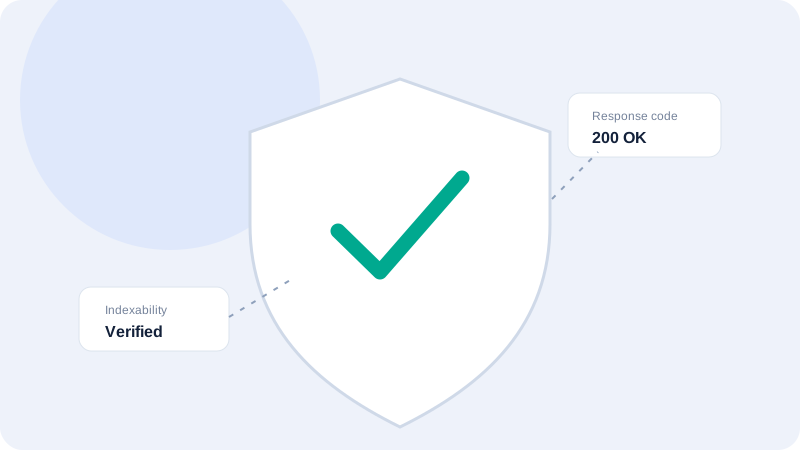
Check whether HTTP redirects to the intended HTTPS hostname and whether redirect steps introduce another domain or an unexpected downgrade. Once a page loads over HTTPS, insecure scripts, images, or styles can be blocked or create mixed-content warnings. Inspect the actual browser console and page resources. A server-side header checker cannot see every browser-specific issue, so combine it with a real browser review for important pages.
Renew and deploy with a rollback plan
Automated renewal should be monitored rather than assumed. Confirm the renewal job runs, the certificate is installed at the correct proxy or web server, and the active process reloads updated files. Do not delete the previous working certificate before the new configuration is tested. Keep private keys protected and outside source repositories. If multiple services terminate TLS, identify each termination point so a renewal is not applied to only one layer.
Respond to warnings without weakening security
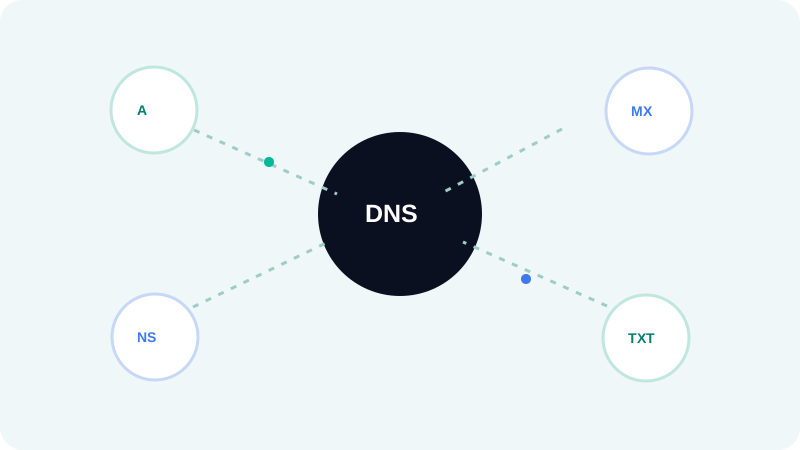
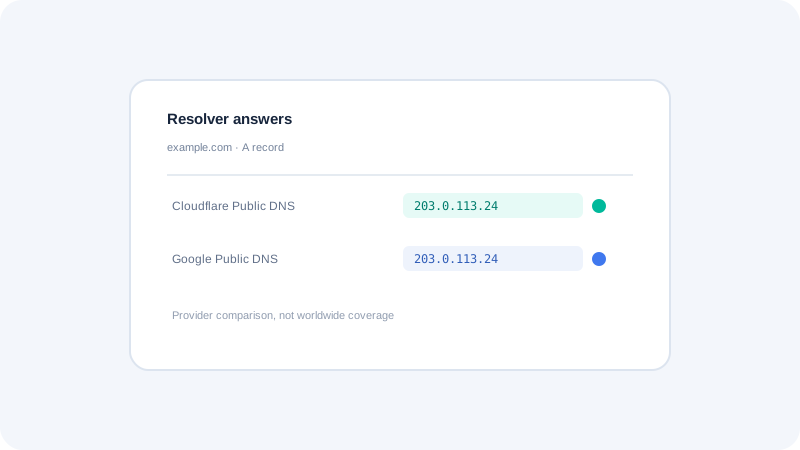
Do not train visitors to click through certificate errors or disable validation to make a service appear healthy. Check DNS, hostnames, system time, certificate dates, and trust-chain configuration. Certificate transparency and public scanners can provide additional context, but they do not replace inspection of the live endpoint. Document the observed certificate and timestamp, fix the serving configuration, then test from more than one client environment.
Quick checklist
- Inspect Subject Alternative Names for the exact requested host.
- Check the live chain, not only the certificate file on disk.
- Test HTTP-to-HTTPS redirects and browser mixed-content reports.
- Keep private keys out of source, archives, and logs.
- Never ask users to ignore a certificate warning as a fix.
What to do next
TLS diagnosis combines name matching, dates, chain delivery, and application routing. Retest the live hostname after the correction and keep the private key protected. Continue with the related Seoptiz tool and compare its stated limitations with your needs.