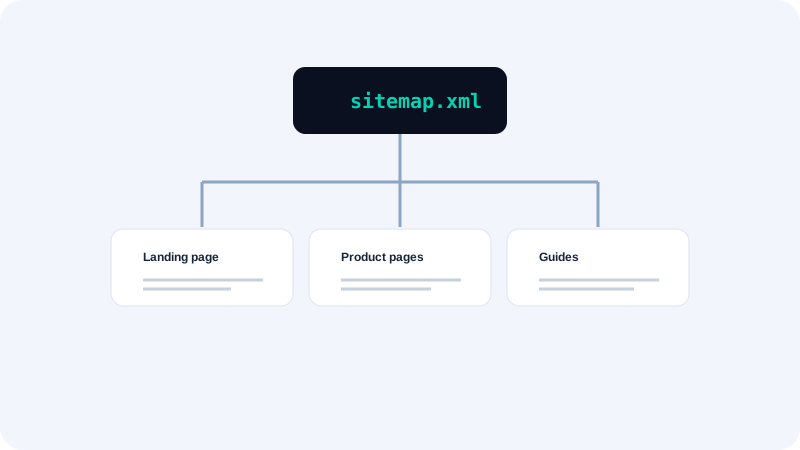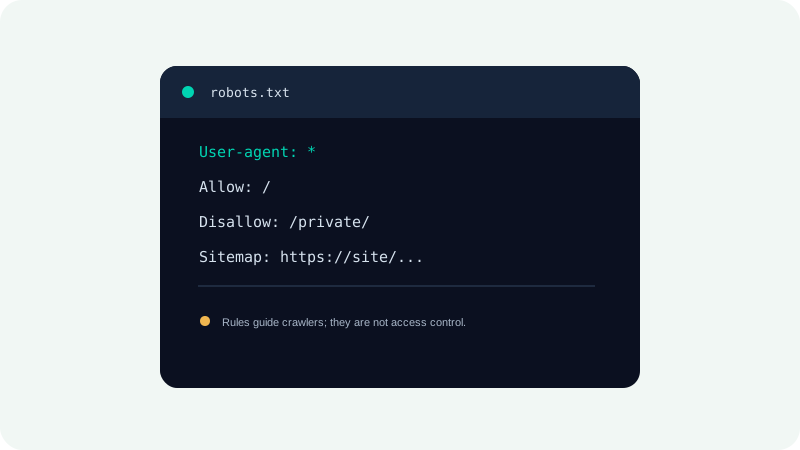
Robots.txt is a plain-text file that publishes crawl rules for cooperating web crawlers. It can reduce unnecessary crawling and point bots toward a sitemap, but it does not hide confidential pages or enforce access control. Search engines, AI crawlers, and other bots may interpret rules differently or ignore them. The safest approach is to keep rules simple, test the exact paths involved, and protect private information with authentication.
Place the file at the right origin
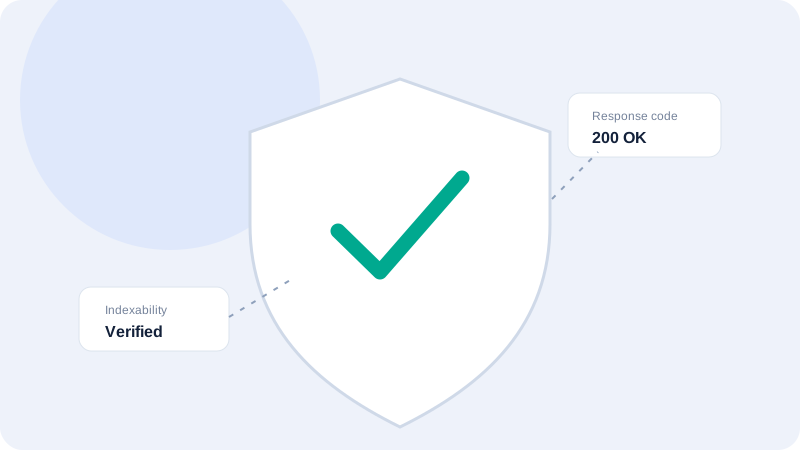
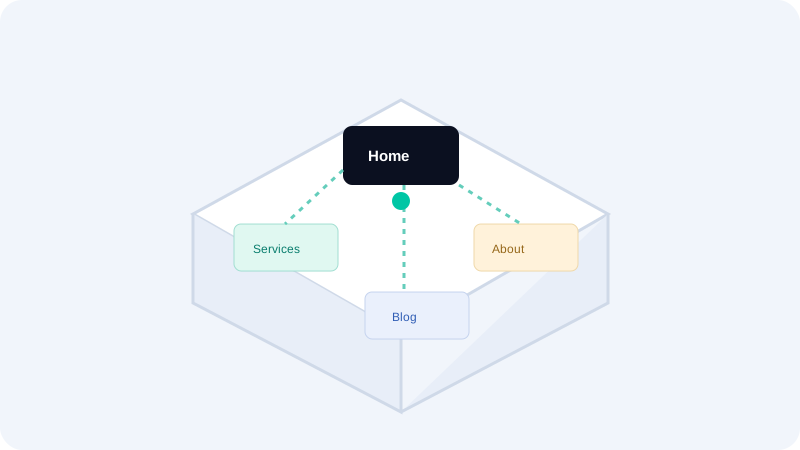
A robots.txt file applies to the protocol, hostname, and port from which it is served. Rules at the apex domain do not automatically apply to a separate subdomain. Publish the file at the root path and verify the HTTP response is successful, plain text, and not replaced by a login page or CDN error. Check the canonical host and redirect behavior so crawlers reach the intended rule file.
Understand groups and matching
A user-agent group applies rules to the named crawler; a wildcard group applies to crawlers that use the common convention. Allow and disallow rules are path instructions, not general privacy settings. Overly broad patterns can block important pages or static resources. Specificity and conflict handling differ among crawlers, so test with the target crawler’s official documentation rather than assuming every bot uses one identical parser.
Protect private content properly
Disallowing a route does not prevent a person or noncompliant bot from requesting it, and blocked URLs can still be discovered through links. Use authentication, authorization, and server-side access checks for confidential material. Avoid placing secrets, email addresses, internal hostnames, or explanatory private notes in robots.txt, because the file is public. Use robots directives only to manage cooperative crawler behavior for public resources.
Coordinate with indexing directives
A crawler blocked from fetching a page cannot read a page-level noindex instruction. This creates a common conflict: the site disallows the URL but expects a search engine to see a noindex tag. Choose the desired outcome and configure the corresponding signals. Robots rules govern access for crawlers, while meta robots and response headers communicate indexing preferences on pages the crawler can fetch.
Review changes before deployment
Before publishing, compare a proposed file against current page templates and identify routes affected by each rule. Test important pages with a crawler simulator or a small, authorized fetch. Keep a copy of the previous version and check that the sitemap reference is correct. After deployment, verify the served file directly and monitor crawl reports. A typo at the root can have a much wider effect than an individual page-level setting.
Quick checklist
- Remember that rules apply per origin, including subdomains.
- Use authentication—not robots.txt—to protect private data.
- Avoid blocking resources needed to render important pages.
- Do not block a crawler from a noindex directive it must read.
- Check the live root robots.txt after publishing changes.
What to do next
Robots.txt is a public crawler preference file, not a security boundary. Keep it short, test its scope, and use access control for anything private. Continue with the related Seoptiz tool and compare its stated limitations with your needs.